



AI Website Builder vs Professional Web Development: Which Does Your Business Need?
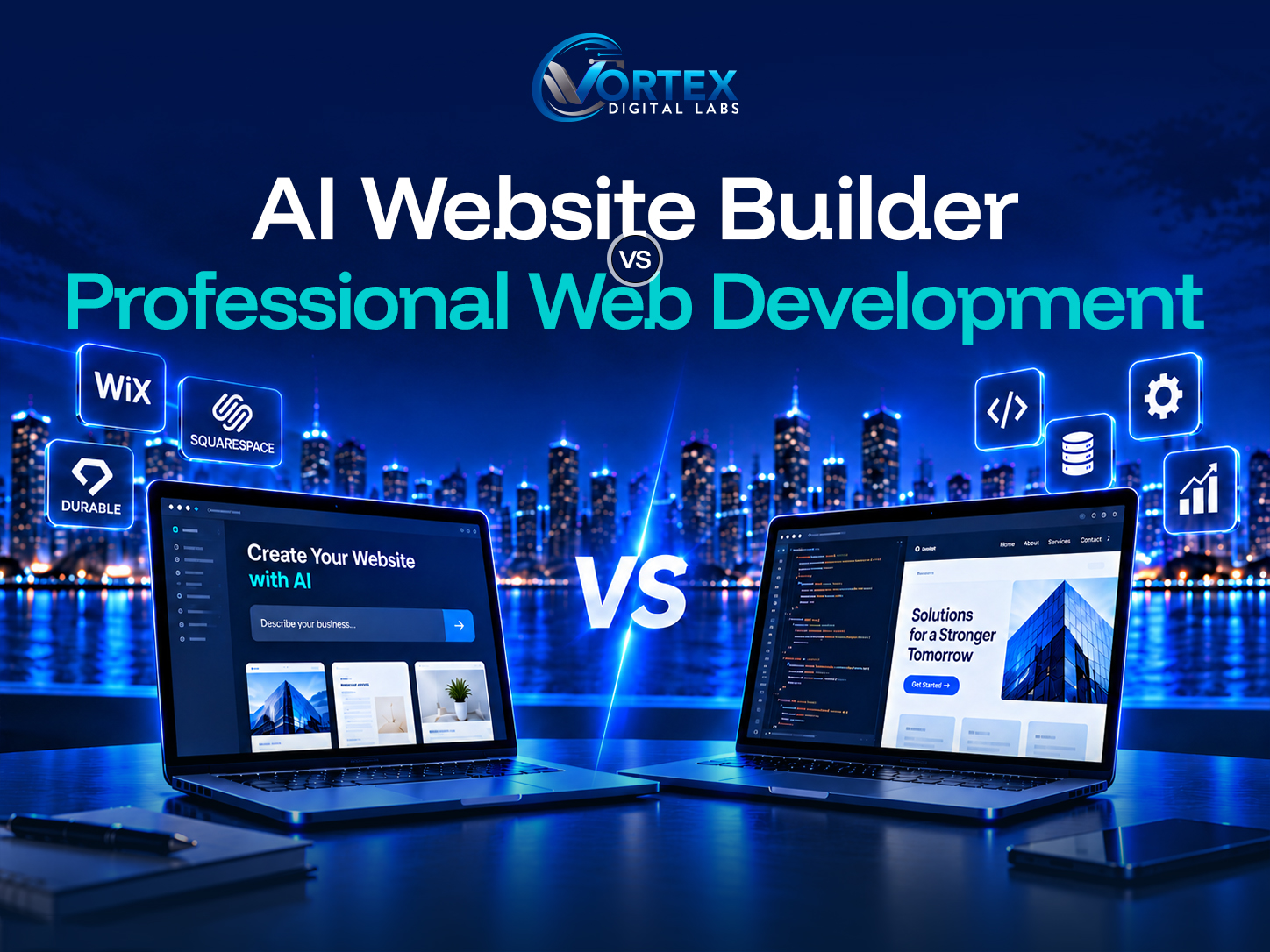
Choosing between an AI website builder vs professional web development has become a really tough choice as AI continues to evolve. A few years ago, it would’ve been an easier choice to make, but the scenario has completely changed now. An AI builder creates a working website from a short prompt in minutes, which suits simple sites that you can replace easily. Professional development starts with your requirements and builds, tests, and maintains a site around them, which matters once your website handles logins, customer data, integrations, or competitive search goals.
Both have a place. This detailed guide explains what each one really involves, where they differ, what they cost in time and money, and how to tell which one your business needs.
What is an AI Website Builder?
An AI website builder generates the first version of a website from a description you type: pages, layout, text, images, colors, and basic SEO settings. You then edit that draft yourself, either in a visual editor or by giving the AI more instructions.
In 2026, these tools come in three broad types, and the type matters more than the brand:
- AI inside a traditional builder: Platforms such as Wix, Squarespace, Hostinger, and Framer use AI to create the first draft, then you edit in their normal editor. The site lives on that platform.
- Standalone AI builders: Tools such as Durable and 10Web build a whole small-business site from a business description, often bundled with extras like bookings or invoicing.
- AI app generators: Tools such as Lovable and Bolt.new write actual application code, often with a database and user logins, from chat prompts. Some people call this “vibe coding.”
What AI Builders Typically Automate
AI builders are good at the parts of a website that follow familiar patterns:
- Page layouts and section structure.
- First-draft headlines, service descriptions and calls to action.
- Stock or AI-generated images.
- Color palettes and font pairings.
- Basic SEO fields such as page titles and meta descriptions.
- Hosting and SSL, which come bundled with most plans.
Some vendors say a site can be generated in under a minute. Treat that as a vendor claim: checking and editing it properly takes longer.
What Still Requires Human Decisions
AI can produce words and layouts, but it cannot know your business. Google says this plainly. In its guidance on using generative AI content, updated in October 2026, Google explains that generative models “don’t retrieve facts, but predict a likely sequence of words,” so their output may contain errors. It adds: “It is critical to manually factcheck and review all AI-generated content for accuracy and trustworthiness before publishing.”
People who use AI every day feel the same way. In the Stack Overflow 2025 Developer Survey, more developers distrusted the accuracy of AI tools (46%) than trusted it (33%). Their top frustration, named by 66%, was AI answers that are “almost right, but not quite.”
Decisions that still need a person include:
- How your business is positioned against competitors.
- Which pages the site needs and how they connect.
- What you want visitors to do, and how each page leads them there.
- Legal wording, such as privacy policies and consent text, which should be reviewed, not generated.
- Real photos, real case studies and real credentials that AI cannot invent.
- Checking every fact, price, service area and claim.
What Does Professional Web Development Involve?
Professional web development is a planned process led by people: understanding the business, designing and building the site, then testing, launching, and maintaining it. Some teams use AI tools along the way, but people own the decisions and the quality.
Project Discovery and Website Requirements
Good projects start by understanding the problem before anything is designed. The UK government’s widely used Service Manual breaks digital projects into phases that begin with discovery, which means learning about users and the problem, and then move through prototyping, building and ongoing improvement.
For a business website, discovery usually covers:
- Who your customers are and what they need to find.
- What the site must do: generate leads, take bookings, sell, or support existing clients.
- Which systems it must connect to.
- Any legal, privacy or accessibility requirements.
Design and Development
With requirements agreed, designers plan the structure and user journeys, then create the visual design. Developers build the site, connect it to other systems, and set up the content management tools your team will use.
The same Service Manual lists the roles a full digital team brings: product management, design, development, technical architecture, security, accessibility, and performance analysis. An AI builder can cover parts of design and development. It does not replace the security, accessibility, and research roles.
Testing, Deployment and Maintenance
Testing is where professional work often earns its cost. It covers different browsers and devices, forms, speed, security, and accessibility. Testing with real people also pays off quickly. Nielsen Norman Group found that testing with just five users uncovers most usability problems, and recommends several small rounds of testing rather than one big one.
After launch, a professional team keeps the site updated, secure, and working as your business changes.
AI Website Builder vs Professional Web Development: Key Differences
Comparing an AI website builder vs professional web development side by side, the two differ most on control, ownership, integrations, search setup, accessibility, security, and how well the site holds up over time.
Design Customization and Platform Scalability
Most AI builders produce section-based designs inside their own editor, so you can change content and styling, but only within what the platform allows. AI app generators produce real code, so in theory, anything is possible. In practice, every change means more prompting, more credits, or a developer.
Professional development has no built-in ceiling. The site is shaped around your requirements rather than a template’s options.
Website Data Ownership, Copyright Law, and Code Portability
Ownership has two parts: who owns the content, and whether you can take the site with you.
On the first point, many AI tools say you own what you create. Lovable’s documentation, for example, states: “You own what you create.” But note the detail: its code export does not include your database contents or uploaded files, which you must export separately.
There is also a legal wrinkle. In January 2025, the US Copyright Office concluded that AI assistance does not stop a work from being protected, but material whose expressive elements are determined by a machine should not be. In other words, purely prompt-generated content may not be protected by copyright. In Canada, the federal government consulted on copyright and generative AI and published a “What We Heard” report, but no law has changed. The practical takeaway is simple: human-written and human-edited content puts you on firmer ground.
Advanced Software Integrations
AI builders offer a fixed menu of integrations. If your tools are on the menu, great. If not, you are left adding separate apps that may not share data, or trying to connect systems the builder was never designed for.
Professional development can connect your website directly to your CRM, booking system, inventory or accounting software through their APIs, with proper error handling when something fails.
Technical SEO Control
AI builders fill in page titles and descriptions, which helps. Google has said AI content is treated like any other: “Using AI doesn’t give content any special gains. It’s just content,” as its Search Central blog put it. But Google’s spam policies warn against using AI to generate many pages “without adding value for users.” That matters for builders who can churn out dozens of near-identical service or location pages.
AI app generators raise a technical issue too. They often build sites where content loads through JavaScript in the browser. Google’s JavaScript SEO guide explains that with this setup, Google must run the JavaScript before it can see the content, and recommends server-side or pre-rendering because “not all bots can run JavaScript.” A professional build plans for this from the start.
Web Accessibility Standards
Accessibility problems are common across the web, and AI does not fix them automatically. WebAIM’s 2026 analysis of the top one million home pages found detectable WCAG failures on 95.9% of them, with an average of 56.1 errors per page. The most common issues were low-contrast text, missing image descriptions, and missing form labels. Canadian .ca home pages did better than average, at 36.0 errors per page, but still far from perfect.
WebAIM also warns that “Absence of detected errors does not indicate that a page is accessible or conformant.” Real accessibility needs manual checks, which is where human review becomes superior.
Be careful with tools that promise AI-powered compliance. In 2025, the US Federal Trade Commission ordered accessiBe to pay $1 million over claims that its AI tool could make any website WCAG-compliant. For the practical checks, see our WCAG 2.2 accessibility checklist.
Website Security
Security matters most when a site stores personal information or lets people log in. Here, AI-generated code needs real scrutiny. Veracode’s 2025 GenAI Code Security Report, which tested more than 100 AI models, found that 45% of AI-generated code samples introduced known security flaws. Veracode sells security tools, so read it as an industry study, but the direction is clear.
A real example: in 2025, a security researcher reported that 170 of 1,645 apps built with Lovable had databases that could be read without logging in, exposing data such as emails, phone numbers and payment details. The issue was published as CVE-2025-48757. Lovable disputes the classification, saying each customer is responsible for protecting their app’s data. That is exactly the point: someone has to check the security, and the tool does not do it for you.
Professional teams build and test logins and access controls against standards such as the OWASP Application Security Verification Standard.
Long-Term Code Maintainability and Website Performance
A site is not finished at launch. It has to be updated, fixed and extended for years, and that depends on how clean the code is.
Research suggests AI-assisted code can make this harder. GitClear’s 2025 study of 211 million changed lines of code found copy-pasted code rising from 8.3% to 12.3% between 2021 and 2024, while code being cleaned up and reorganized fell sharply. A controlled study by METR also found that experienced developers took 19% longer on tasks when using AI tools, even though they believed they had worked faster.
None of this means AI code is always poor. It means someone needs to review it and take responsibility for it.
Cost and Time Considerations
AI builders cost less and launch faster at the start. The extra costs show up later, through plan upgrades, credits, add-ons and fixes.
What Lowers the Initial Cost?
- Low monthly plans: Published list prices checked in October 2026 include Framer’s Basic plan at US$10 a month billed yearly, 10Web’s AI Starter at US$10 a month billed yearly, and Lovable Pro and Bolt Pro at US$25 a month.
- Hosting included: Most builders bundle hosting and SSL into the plan.
- No upfront design or build fee: You do the setup yourself.
- Speed: A first draft can be ready the same day.
Where Additional Costs Can Appear
- Promotional pricing: Hostinger’s builder, for example, is advertised at US$2.99 a month with a 48-month prepayment and renews at US$10.99 a month.
- Plan limits: Features such as payments, extra editors or more storage often sit on higher plans.
- Usage credits: AI app generators run on credits or tokens, so heavy editing can push the monthly bill up quickly.
- Extra tools: As needs grow, businesses often add separate booking, form, and CRM tools that don’t talk to each other.
- Moving later: Exports often leave out data or design, so outgrowing a builder can mean a rebuild.
- Fixes: Security and accessibility problems found later cost more to fix than to prevent.
When an AI Website Builder May Be Appropriate
An AI builder is a sensible choice when the site is simple, low-risk and easy to replace.
Developing Basic Informational and Brochure Websites
A sole trader or small service business that needs a few pages, such as services, hours, location and contact, can do well with an AI builder. Just review every word before publishing, add real photos, and check that contact forms actually reach you.
Rapid Prototyping and Minimum Viable Product (MVP) Testing
AI tools are also handy for testing an idea before investing in it:
- A landing page to see whether a new service gets enquiries.
- A short-lived event or campaign site.
- A clickable prototype to show a developer what you have in mind.
That last use is underrated: an AI prototype can make a great brief for a developer. Just plan to rebuild properly if the idea takes off.
When Professional Development Becomes More Relevant
Professional development becomes the safer choice once the website handles sensitive data, complex rules or deep connections to how your business runs.
Implementing Complex business logic
Custom quotes, pricing rules, multi-step booking or approval workflows are hard for AI builders to handle reliably, and getting them wrong costs sales.
Developing Custom CRM and Software API Integrations
When the site must share data with your CRM, inventory, practice-management or accounting system, you need connections built and tested for your setup, not a generic app that almost fits.
Building Secure Client Portals and Authenticated Workflows
Client portals, member areas, and dashboards store personal information and decide who sees what. In Canada, collecting personal information also brings privacy obligations under laws such as PIPEDA. These features need careful design and security testing before launch.
Overcoming SaaS Builder Constraints
Sometimes you simply hit a wall: a feature the platform does not support, a limit on users or content, or a design the editor will not allow. When that happens, working around the tool often costs more than building properly. Our guide on when a business actually needs custom web development explains which requirements justify it in detail.
Decision Checklist
Use this table and checklist to settle the AI website builder vs professional web development question for your own project.
|
Business requirement |
Suitable approach |
Reason |
Limitation |
|---|---|---|---|
|
A few informational pages |
AI builder |
Fast, low cost, hosting included |
Every fact needs checking |
|
Testing a new offer |
AI builder or AI app generator |
Speed matters more than permanence |
Likely rebuild if it succeeds |
|
Simple bookings or payments |
AI builder on the right plan |
Some plans bundle these tools |
Cheaper plans may block payments |
|
Customer logins or stored personal data |
Professional development or a professional security review |
Access control must be built and tested |
AI code often has security flaws |
|
Links to CRM, inventory or accounting |
Professional development |
Custom API work and error handling |
Builders offer a fixed menu |
|
Accessibility obligations |
Professional build plus manual audit |
Automated checks miss many issues |
AI overlays are not compliance |
|
Competitive local search |
Professional development |
Control over structure and rendering |
Builder limits on structure and code |
|
Long-term growth |
Professional development |
Reviewed, documented, maintainable code |
Higher upfront cost |
Before you decide, ask yourself:
- Will the site collect personal information or let people log in?
- Does it need to connect to other business systems?
- Do we have accessibility or privacy obligations?
- Who will fact-check the content and keep it accurate?
- Can we export everything, including data, if we leave?
- What happens to the monthly cost when we need more pages, users or features?
- If this works, will we have to rebuild it in a year?
If you answered “yes” or “not sure” to several of these, professional development, or at least a professional review, is worth the conversation. If you are comparing more than these two options, our guide to choosing the best website platform for your business compares the wider field.
Frequently Asked Questions
For a simple informational site, often yes. For logins, customer data, integrations, accessibility requirements or competitive search goals, no. The output still needs someone to check, secure and maintain it.
Not for using AI. Google treats AI content like any other content. It acts against pages created mainly to manipulate rankings, such as large numbers of low-value pages generated at scale.
Usually you own the content under the tool’s terms, but the site may be tied to the platform’s hosting, and exports can leave out data. Purely AI-generated material may also not be protected by copyright, so human editing matters.
It can work, but it should be reviewed before real customer data goes into it. Security studies and real incidents show AI-generated code often ships with flaws, especially in database permissions and logins.
Generating a draft can take minutes. Reviewing the content, adding real photos, connecting forms and checking accessibility usually takes days.

Vortex Digital Labs
Vortex Digital Labs is a full-service digital agency specializing in web design, development, and digital marketing — helping businesses grow online.