




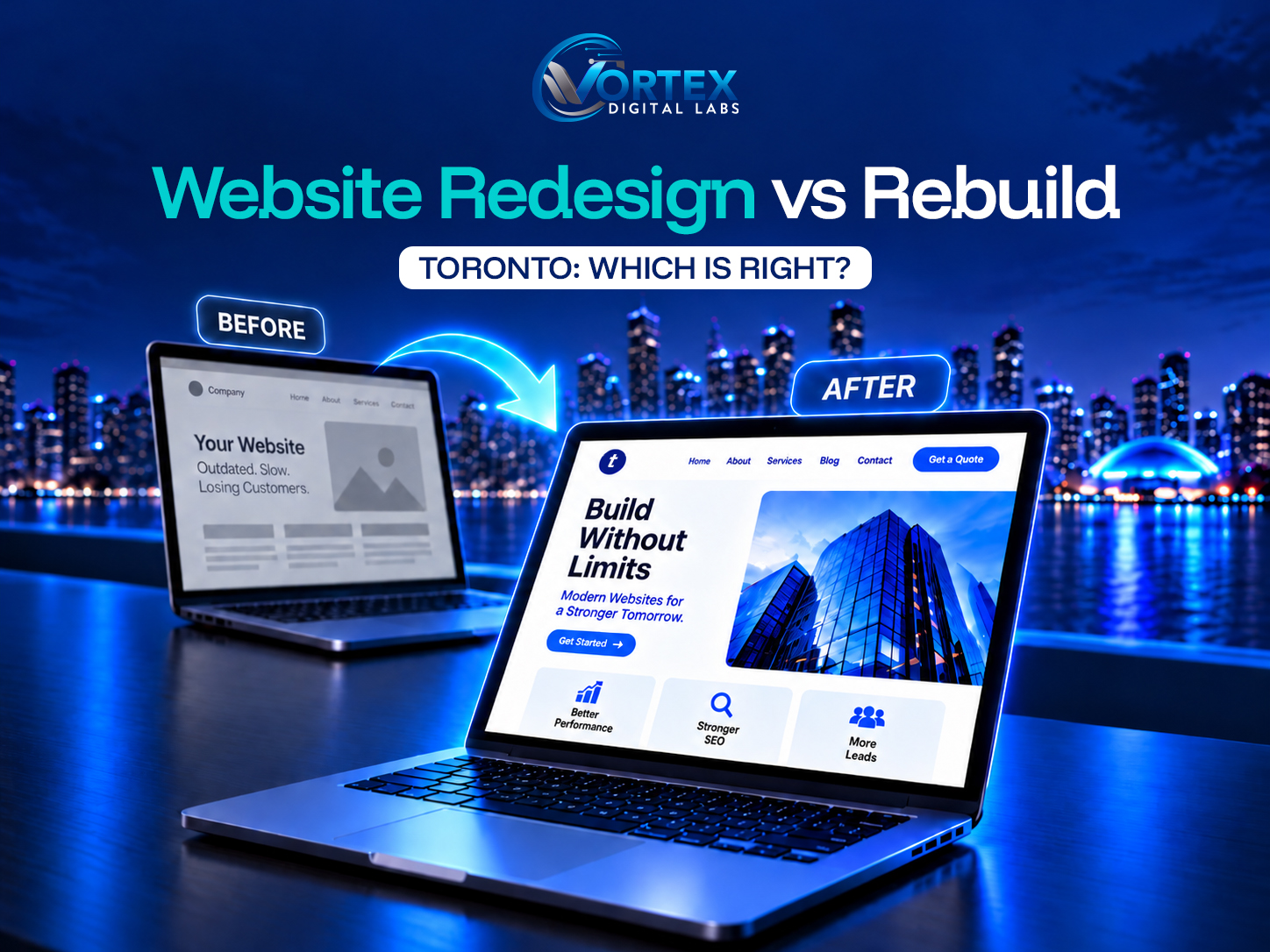
Website Redesign Vs Rebuild: Which Does Your Toronto Business Need?
Your website has a problem, and now you are stuck on the harder question: can it be fixed, or do you need to start over? That single decision shapes your budget, your timeline, and how much of what you already have you get to keep. Pick wrong and you either pour money into a foundation that cannot hold, or you tear down something that only needed a refresh.
This guide makes the choice clearer. It explains the real difference between website redesign vs rebuild, the signs that point to each one, what either means for your search rankings, and a simple framework to help you land on the right answer for your business.
Website Redesign vs Rebuild: What’s the Difference?
Website Redesign:
Website redesign involves refreshing a website’s overall layout, aesthetics, and content, and enhancing user experience to meet users’ requirements and accomplish business objectives. A rebuild replaces substantial parts of the technical foundation, which can mean a new content system, new architecture, a new theme or codebase, or new functionality.
Redesign is effective when you possess an unpleasant navigation or an obsolete website. This method can resolve the problems and yield improved outcomes.
Website Rebuild:
Whereas a website rebuild is a procedure that entails a total redesign of its layout, aesthetics, and features, basically beginning anew.
If you have web application concepts and aim to enhance your online presence by revamping it, you should choose to rebuild your website. This approach doesn’t modify your current website. It starts the procedure from the ground up. You must modify the visuals and functions to align with your avatar and requirements.
| Factor | Redesign | Rebuild |
| Existing platform | Usually kept | May be replaced |
| Design | Updated | Built from scratch |
| Content | Kept and refined | Often restructured and migrated |
| Code | Partly modified | Substantially replaced |
| SEO | Preserved with planning | Needs careful migration |
| Cost | Usually lower | Usually higher |
| Timeline | Usually shorter | Usually longer |
When Should You Redesign Your Website?
A redesign is the right call when the foundation still works, and the problems sit on the surface. If you are wondering when to redesign a website, these are the usual signals:
- The visual design looks dated and no longer fits the business.
- The site is awkward or slow on a phone.
- Navigation is confusing, and people cannot find things.
- Visitors arrive, but very few become leads or sales.
- Your branding has changed since the site was built.
- Pages need reorganizing, so they make more sense.
- The content is thin or out of date.
- There are clear user experience problems.
- Speed can be improved without replacing the platform.
The key message here is a hopeful one. You do not always need a brand new website to get much better results. Often, the bones are fine, and the site just needs a smarter, sharper version of itself.
When Should You Rebuild Your Website?
Sometimes, design-level changes are not enough for your website, and your business might require something else. A rebuild tends to make more sense when the problems are structural. Knowing when to rebuild a website usually comes down to signs like these:
- The content system is too limiting for what you need.
- The codebase is old and awkward to work with.
- There is heavy technical debt piled up over the years.
- The site is genuinely difficult to maintain.
- Plugins and themes keep conflicting with each other.
- The architecture cannot support the features you want to add.
- Integrations need major changes the current setup cannot handle.
- Performance problems are baked into the structure, not just the surface.
- The business has changed a lot since the site was built.
- The platform simply cannot support where you are heading.
When several of these are true at once, a website rebuild Toronto owners invest in usually costs less over time than repeatedly patching a foundation that has run out of room.
Redesign vs. Rebuild: Which Costs More?
A rebuild almost always costs more than a redesign, and the reasons are practical rather than mysterious. You are paying for more development, a new architecture, content migration, fresh functionality, new integrations, deeper testing, a careful SEO move, and more project planning to hold it all together. A redesign reuses much of what exists, so there is simply less to build.
That said, price alone should not settle it. The cheaper option is only cheaper if it actually solves your problem, so weigh the website redesign vs rebuild cost against what each path fixes rather than against each other. If your foundation is sound and you mainly need a better look and stronger conversions, a redesign is the smart spend. Our guide to affordable website redesign services in Toronto covers the costs, scope, and considerations involved in choosing a redesign.
For a broader look at website project pricing, see our guide to website design and development cost in Canada, which breaks down the factors that influence overall website costs.
How a Redesign or Rebuild Can Affect SEO
Here is the part that quietly makes or breaks these projects. The biggest SEO risk is not redesigning or rebuilding a website. It is changing the website without planning the migration properly. Do that carelessly, and you can lose rankings you spent years earning.
A careful team plans for all of this before launch:
- URL changes, kept to a minimum where possible.
- 301 redirects so any changed addresses point to their new home.
- Your existing rankings and the pages that earn them.
- Metadata such as page titles and descriptions.
- The content that already brings in traffic.
- Internal links between your pages.
- An updated XML sitemap.
- A clean robots.txt that does not block important pages.
- Canonical tags pointing to the right versions.
- Structured data that helps you show up richly in results.
- Image optimization for speed and search.
- Search Console and analytics, watched closely through the switch.
- Crawlability, so search engines can read the new site.
Handled well, both a redesign and a rebuild can protect your visibility and often improve it. Handled carelessly, either one can hurt. The planning is what separates the two outcomes.
What Happens to Your Existing Content?
A common fear is that everything gets thrown out, and you start from zero. That is rarely how it should work. A sensible approach sorts your existing pages into three buckets:
- Keep: content that performs well or is still relevant. This stays, often with lighter modifications.
- Improve: pages with potential but outdated or weak information. These get updated and strengthened.
- Remove or merge: thin, duplicated, or overlapping pages. These get cut or combined into stronger ones.
This sorting is also an opportunity. Merging weak pages and tidying your internal links can make the whole site easier for both people and search engines to follow, which often lifts performance on its own.
Redesign vs. Rebuild for WordPress Websites
If you are on WordPress, the decision has its own wrinkles. Sometimes the platform is fine, and only the theme needs work. Other times, the setup itself is the problem.
A few things to weigh:
- Whether your existing theme can be reshaped or needs replacing.
- Whether a custom theme would serve you better than a heavily modified one.
- How much you lean on page builders, and what that does to speed.
- Plugin dependency, and how often plugins conflict.
- The work involved in migrating your database and content.
- Custom functionality that may need rebuilding.
- Whether performance issues are fixable or structural.
- And the big one: whether WordPress itself still fits, or whether you have outgrown it.
That last point deserves real thought. If you are weighing the platform itself, our comparison of Custom Web Development vs. WordPress Template Sites in Toronto breaks down when to stay and when to move on.
If you are also comparing the long-term cost of keeping a low-cost WordPress setup, our 5-year breakdown of cheap WordPress website costs looks at the expenses that can add up beyond the initial website price.
A Simple Redesign vs. Rebuild Decision Framework
If you want a quick way to place yourself, use this.
Choose a redesign if:
- The current platform works fine.
- The codebase is manageable.
- Your main problems are design, user experience, or conversion.
- Your existing functionality still suits the business.
- The SEO structure is fundamentally sound.
Consider a rebuild if:
- The technology is holding the business back.
- The codebase is hard to maintain.
- Major functionality needs to change.
- The content system is no longer suitable.
- Performance problems are structural.
- Future needs cannot be supported without it.
Consider a completely new website if:
- The business, market, technology, and site requirements have all shifted so much that improving the old foundation no longer makes financial sense. At that point, a fresh start is the best possible solution.
How Long Does a Website Redesign or Rebuild Take?
Timelines vary, so treat these as ranges rather than promises. A focused redesign for a small or mid-sized site often takes three to eight weeks. A rebuild usually runs longer, from a couple of months to six months or more for larger sites, because there is more to build and migrate.
What stretches or shrinks that timeline includes your page count, design complexity, the content system, whether e-commerce is involved, custom functionality, how much content needs writing, integrations, the SEO migration, and how quickly approvals and revisions come back. A website redevelopment Toronto team can only move as fast as decisions get made, so your own responsiveness matters more than most owners expect.
Questions to Ask Before You Choose Between Website Redesign Vs Rebuild
Before you hire anyone, put these questions to them. The answers tell you a lot:
- Can you work with my existing content system?
- Do I actually need a rebuild, or would a redesign do?
- How will you handle my existing URLs?
- How will you protect my SEO during the move?
- Who owns the website when it is finished?
- What happens to my current content?
- What happens to my existing integrations?
- What exactly is included in the quote?
- What happens after launch?
- What ongoing maintenance will I need?
A provider who answers these clearly, and who is willing to talk you out of a rebuild you do not need is usually one worth trusting.
Not Sure Whether You Need a Redesign or Rebuild
Get an assessment of your website’s current design, technical foundation, SEO structure, performance, and future requirements, then find out which approach actually makes sense for your goals and budget. The team at Vortex Digital Labs offers a website assessment for Toronto businesses, with a straight answer rather than a sales pitch.
Frequently Asked Questions
Neither is better on its own. Redesign when the foundation is sound, and the problems are design, UX, or conversion. Rebuild when the platform, code, or architecture can no longer support the business.
Usually, yes. A rebuild involves more development, a new architecture, content migration, and heavier testing, so it costs more. A redesign reuses much of what already exists.
Look for a dated design, weak mobile experience, confusing navigation, or low conversions, while the underlying platform still works. Those are classic redesign signs.
When the technology holds you back, the code is hard to maintain, performance problems are structural, or the platform cannot support where the business is going.
It can, but it should not if the migration is planned. Proper URL mapping, 301 redirects, and preserved content and metadata protect your rankings and can even improve them.
Often, it takes a couple of months to six months or more, depending on size, custom features, content, and how quickly approvals move. A simpler redesign is usually faster.

Vortex Digital Labs
Vortex Digital Labs is a full-service digital agency specializing in web design, development, and digital marketing — helping businesses grow online.