


How to Choose the Best Website Platform for Your Business in 2026
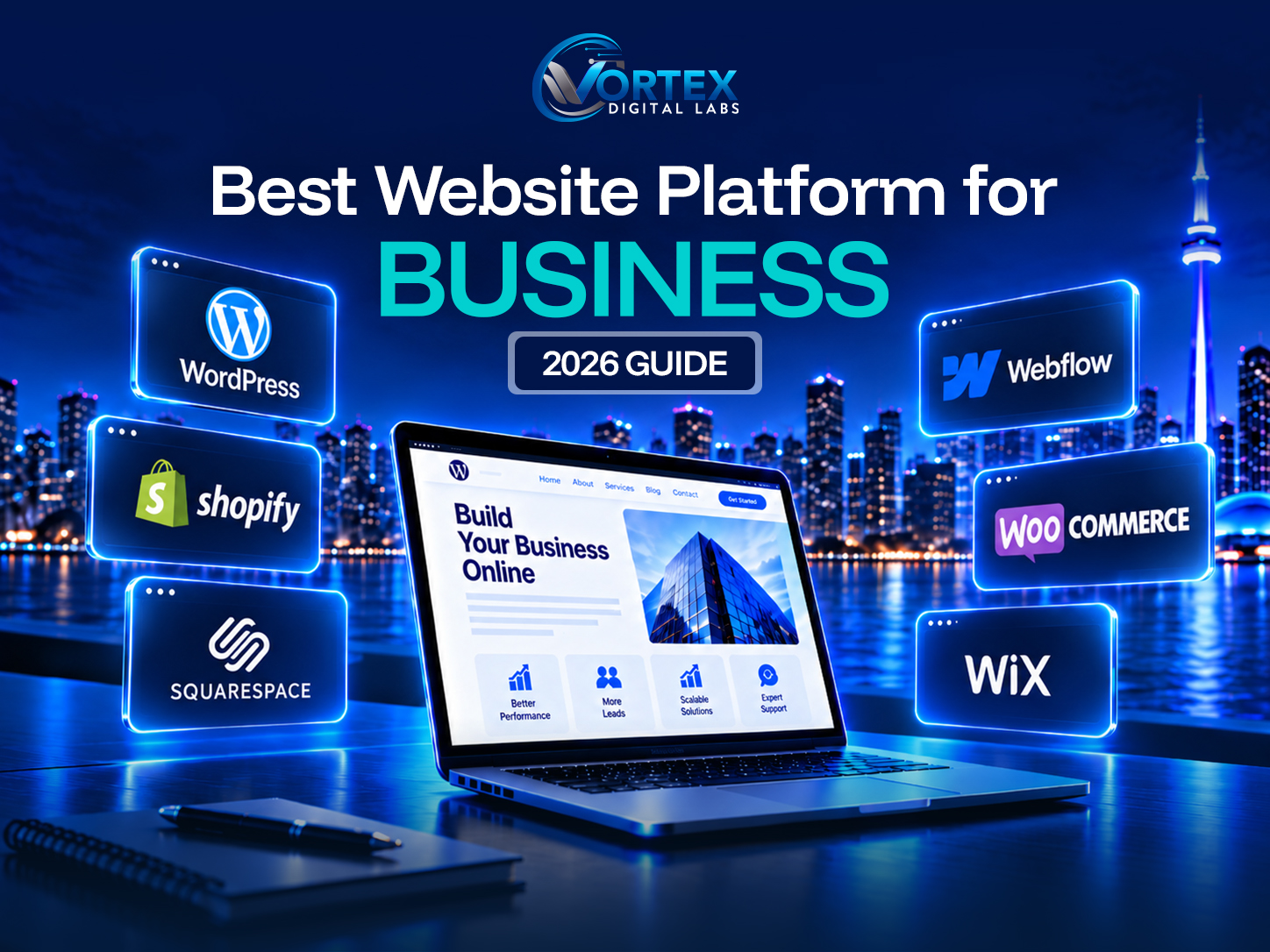
To make it clear straightaway, no single platform is right for everyone. The best website platform for business is the one that aligns with the requirements of your website, including who will update it, what you sell, which tools it must connect to, and how much control you want over it in the long run. WordPress, Webflow, Shopify, WooCommerce, website builders like Wix and Squarespace, headless CMS setups, custom development, and AI builders each suit different businesses.
This blog gives you a simple way to decide. It explains each option simply, compares them side by side, shows how platform choice affects SEO, speed, accessibility, and cost, and ends with a checklist you can use before you commit.
What is the Best Website Platform for a Business?
There is no single best website platform for business. The right choice is the one that fits your content, your sales model, your integrations, your team’s skills, and your budget over several years, not just at launch.
Each Business Has Its Own Needs
A plumber who needs five service pages and a contact form has very different needs from a retailer selling 3,000 products, or a firm that wants clients to log in and see their account. The same platform cannot be the smart choice for all three. That is why “which platform is best?” is really a question about your requirements.
Is the Most Popular Website Builder Actually Right for You?
Popularity tells you what many people use, not what fits you. According to W3Techs, as of 2026, WordPress powers 40.1% of all websites and 58.6% of sites that use a known content management system. Shopify sits at 7.8% of CMS-based sites and Wix at 6.2%.
Those numbers show WordPress is the market leader, and they also show its share slipping slightly over the past year while hosted platforms like Shopify and Wix grow. Neither trend tells you which platform suits your business. Your needs do.
Determine Your Ownership Preferences
When you pick a platform, you are also picking who controls your hosting, your code, your data, and your ability to move later. Some platforms let you take everything with you. Others keep your site on their own servers. This matters more than most owners expect, so we come back to it throughout this guide.
What Should You Decide Before Choosing a Website Platform?
Before comparing the best website platform for business, answer a few questions about your business. Your answers will narrow the options far faster than reading reviews:
Who Will Manage and Update the Website Post-Launch?
Think about who will add pages, update prices, or publish news after launch. If it is a busy owner or office manager with no technical background, an easy visual editor matters a lot. If you have a developer or an agency on hand, you can choose a more flexible platform that requires more skill to run.
What Website Features and Content Types Does Your Business Need?
List what the site must do. A few pages and a form? A blog you post to every week? Bookings, quotes, member areas, multiple languages? A site with heavy content needs good content tools. A site with special features needs a platform that can support them without awkward workarounds.
CRM, Marketing, and Third-Party Integrations
Many businesses need their website to talk to other systems, such as a CRM, accounting software, an inventory system, a booking tool, or email marketing. Check early whether each platform connects to the tools you already use, and whether that connection is built in, available as an app or plugin, or would need custom work.
Do You Need an E-Commerce Website Platform?
Selling online changes the decision. You need product management, payments, taxes, shipping, and order handling. Some platforms are built for this from the ground up. Others add it on. If selling is central to the business, put ecommerce strength near the top of your list.
Platform Lock-in vs. Website Data Ownership
Ask what you can export if you leave. On self-hosted platforms like WordPress, you own the files and database and can move to a new host. Hosted builders are different. Wix, for example, states in its help center that because it is a SaaS platform, your site must run on Wix’s servers. Squarespace lets you export only certain content, as a file formatted for WordPress.
Website Accessibility and Legal Compliance Requirements
In Ontario, the AODA has required public websites of businesses and non-profits with 50 or more employees to meet WCAG 2.0 Level AA since January 1, 2021, according to the Government of Ontario. If that applies to you, you need a platform where you can actually fix accessibility problems, not just hope the template gets it right. This is general information, not legal advice.
The Main Website Platform Options for Businesses
Here is what each option is, who it tends to suit, and what to watch for. Each one is a summary to help you be aware of the best website platform choices for businesses:
WordPress
WordPress is free, open-source software that you install on your own hosting. It runs everything from small brochure sites to large content sites, and it has a huge range of themes and plugins.
- Good for: content-heavy sites, service businesses that want flexibility and full ownership.
- Watch for: you, or your agency, are responsible for updates, security, backups and speed.
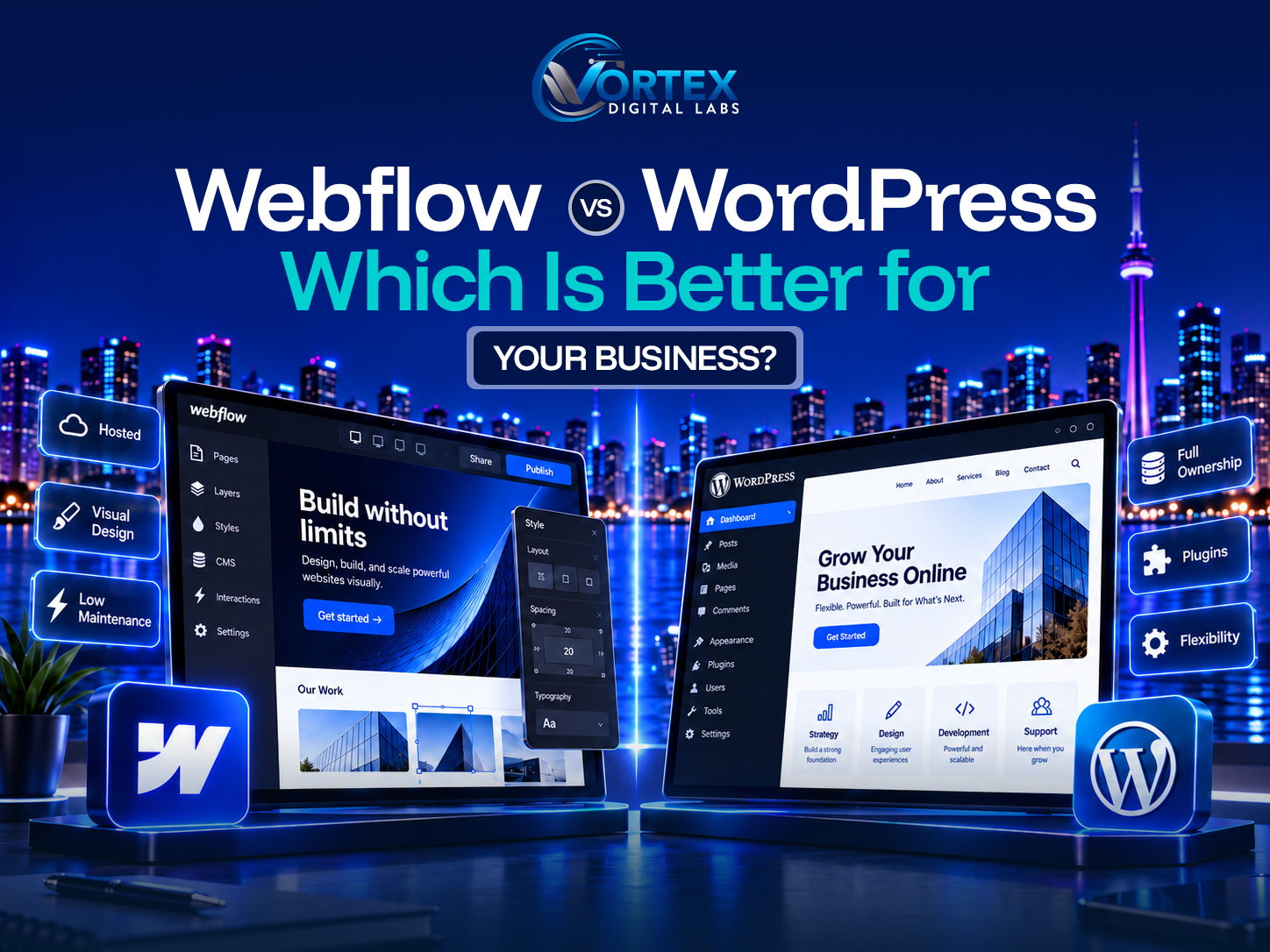
Webflow
Webflow is a hosted platform that combines a visual design tool with a content system. Designers like it because it gives close control over layout without managing servers.
- Good for: design-led marketing sites and B2B sites with structured content.
- Watch for: your site stays on Webflow’s hosting, and plan limits apply.
For a head-to-head look, see our guide on Webflow vs WordPress.
Shopify
Shopify is a hosted ecommerce platform. It handles hosting, security, and checkout so you can focus on products and sales.
- Good for: businesses where selling products online is the main job.
- Watch for: apps add monthly costs, and extra transaction fees can apply if you use a payment provider other than Shopify Payments.
WooCommerce
WooCommerce is a free ecommerce plugin for WordPress. It turns a WordPress site into an online store that you fully own and control.
- Good for: stores that want deep customization or a strong mix of content and commerce.
- Watch for: you manage hosting, updates, and extensions yourself.
Our Shopify vs. WooCommerce comparison goes deeper into choosing between the two.
Hosted Website Builders
Builders like Wix and Squarespace let you drag and drop a site together and handle hosting for you. They are the quickest route to a tidy, simple website.
- Good for: small service businesses, portfolios, and simple sites that need to launch fast.
- Watch for: limited control, limited export options, and a ceiling on custom features.
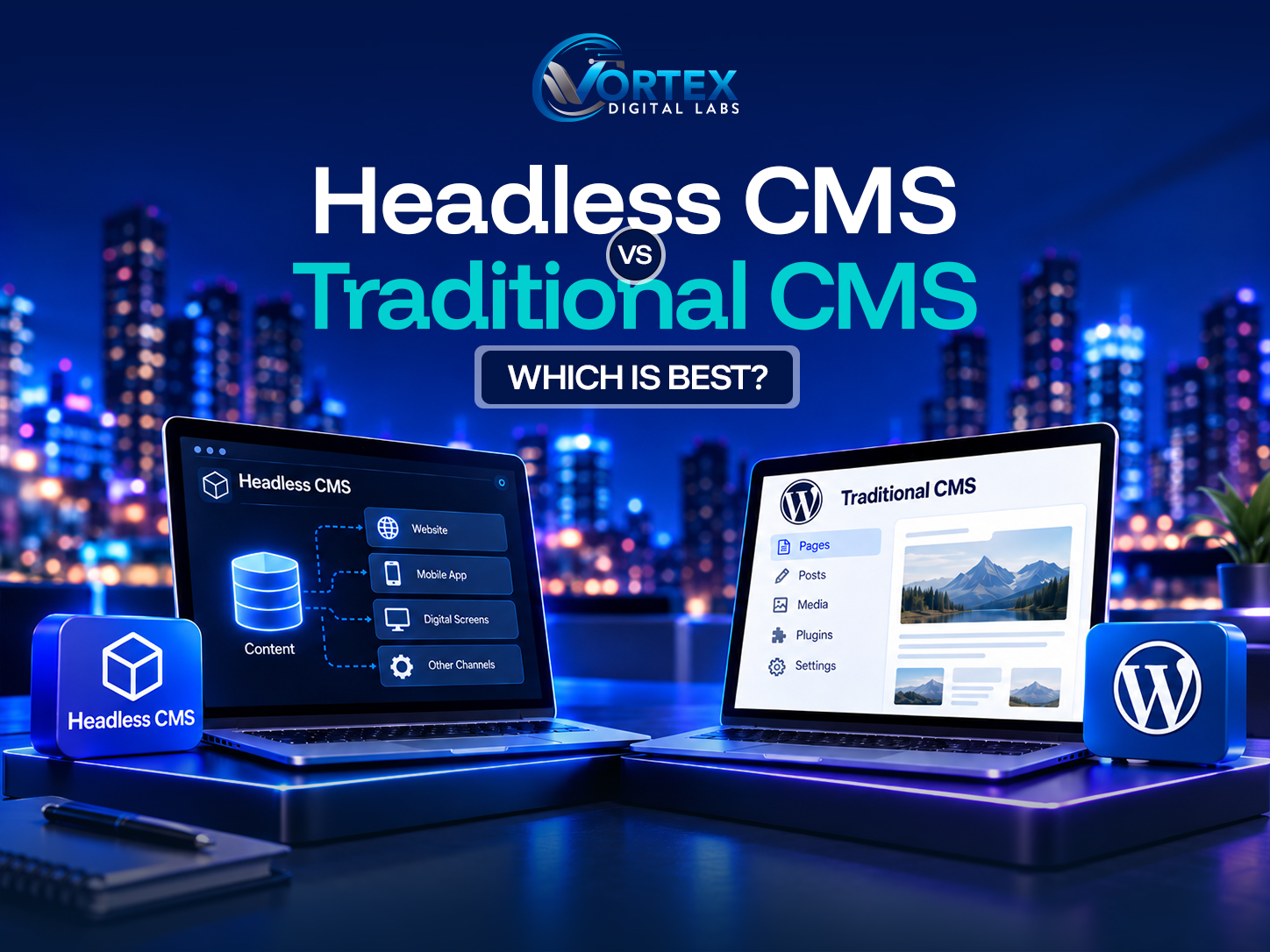
Headless CMS
A headless CMS stores and manages your content, but a separate front end displays it. The HTTP Archive Web Almanac 2025 describes it as an approach that separates content management from the site or app that shows it. Examples include Contentful, Sanity, and Strapi.
- Good for: larger teams publishing to several channels, such as a website, an app, and in-store screens.
- Watch for: it needs developers to build and maintain. Our guide on headless CMS vs. traditional CMS explains when it is worth it.
Custom Web Development
Custom development means building the website, or key parts of it, around your exact needs instead of fitting into a platform’s limits.
- Good for: unique workflows, client portals, and complex integrations.
- Watch for: higher upfront cost and a longer timeline.
AI Website Builders
AI website builders create a first draft of a site from a short description. Most of them run inside an existing builder, so the site that comes out still lives on that company’s platform, with the same limits.
- Good for: a very fast starting point for a simple site.
- Watch for: the same lock-in and customization limits as the builder underneath. See AI website builder vs. professional web development for the full trade-off.
Website Platform Comparison for Business Needs
The table below compares the best website platforms for business. Treat it as a starting point for shortlisting, not a final verdict. Look at the columns that matter most to you first. If your team has no technical help, “technical requirements” and “maintenance model” should weigh heavily. If you plan to grow or switch later, “control” matters more than how easy the first month feels.
Platform |
Best-fit use case |
Control |
Content management |
Ecommerce suitability |
Integrations |
Maintenance model |
Technical requirements |
|---|---|---|---|---|---|---|---|
|
WordPress |
Content-heavy and service sites |
Full ownership of code and data |
Good, depends on setup |
Through WooCommerce |
Very large plugin library |
You or your agency |
Moderate |
|
Webflow |
Design-led marketing and B2B sites |
High design control, hosted by Webflow |
Good visual editor |
Light to moderate |
Apps and APIs |
Webflow hosts and secures |
Moderate |
|
Shopify |
Product-focused online stores |
Theme-level, hosted by Shopify |
Strong for products, lighter for content |
Excellent |
Large app store |
Shopify hosts and secures |
Low to moderate |
|
WooCommerce |
Custom stores on WordPress |
Full ownership |
WordPress admin |
Strong, owner-assembled |
Many extensions |
You or your agency |
Moderate to high |
|
Wix, Squarespace |
Simple small business sites |
Limited, stays on vendor |
Easiest drag and drop |
Basic to moderate |
App markets |
Vendor managed |
Low |
|
Headless CMS |
Multi-channel content, larger teams |
High over the front end |
Structured editing |
Through commerce tools |
API-first |
Split between vendor and your developers |
High |
|
Custom development |
Unique workflows and portals |
Total, if your contract says so |
Whatever is built |
Any |
Any |
Your agency or in-house team |
High |
|
AI website builders |
Quick first draft of a simple site |
Same as the builder underneath |
Easy prompts plus editor |
Basic |
Platform dependent |
Vendor managed |
Very low to start |
How Each Platform Affects SEO, Performance, and Accessibility
No platform ranks better on Google simply because of its name. What matters is how much control a platform gives you over search settings, how fast its sites load, and whether you can make it accessible.
Technical SEO Control and CMS Capabilities
Google has said it does not favor any particular CMS. Google’s John Mueller, as reported by Search Engine Journal, said hand-made pages “can be just as good as those generated by WordPress, Wix, Squarespace, or similar.”
So the real question is control. Can you edit page titles, meta descriptions, URLs, redirects, canonical tags, structured data, your sitemap, and robots.txt? Platforms differ on how easily you can reach each of these.
Sites built heavily on JavaScript, which is common with headless and custom builds, need extra care. Google’s documentation notes that SEO on a site using JavaScript frameworks is generally more complex than on other kinds of sites.
Website Performance and Core Web Vitals Optimization
Platform defaults affect how easily a site hits those targets. In the HTTP Archive Web Almanac 2025, 85% of Duda sites and 74% of Wix sites passed Core Web Vitals on mobile, compared with 45% of WordPress sites. The same report notes that platform choice affects speed mainly through the limits, defaults, and tools each one provides.
That does not mean WordPress is slow by nature. A well-built WordPress site on good hosting can be very fast. It means hosted platforms raise the minimum standard, while self-hosted platforms put more of the outcome in your hands. Our blog on Core Web Vitals for business websites explains what drives the results in further depth.
WCAG 2.2 Accessibility Compliance
The current standard is WCAG 2.2, which W3C published in October 2023. Your platform affects accessibility through its templates, its editor, and whether you can change the underlying code. If a template has a keyboard navigation problem and the platform will not let you edit it, you may be stuck. Our WCAG 2.2 accessibility checklist walks through the practical checks.
Website Security and Vulnerability Management
On hosted platforms such as Shopify, Wix, and Webflow, the provider looks after the servers and platform updates. On self-hosted platforms such as WordPress and WooCommerce, that job falls to you or your agency.
The risk on WordPress usually sits in add-ons rather than the core software. Patchstack’s State of WordPress Security in 2026 found that 91% of new vulnerabilities in 2025 were in plugins and 9% in themes, with only six low-priority issues in WordPress core. For practical steps, see our website security checklist for small businesses.
Technical Ownership and Maintenance
Every website needs ongoing care, but the amount depends on the platform. Self-hosted sites need regular updates, backups, and testing. Hosted sites need less technical upkeep, but you still have to manage content, user access, apps, and billing.
What Does a Website Platform Cost Over Time?
A platform’s real cost is the total over several years, not the launch price. Build fees, monthly plans, apps, plugins, payment fees, maintenance, and future changes all add up.
Estimating Initial Website Design and Build Costs
This is what you pay to design and build the site. It depends far more on scope and on who builds it than on the platform itself. For Canadian price ranges, see our blog on How Much Does Website Design and Development Cost in Canada.
Recurring CMS Subscriptions, Hosting, and Maintenance Fees
Hosted platforms charge a subscription. Self-hosted platforms charge nothing for the software, but you pay for hosting and upkeep. A few published examples, checked in October 2026:
- Webflow: the Basic site plan is listed at $15 USD a month, billed yearly, under the pricing Webflow introduced in May 2026.
- Shopify: Shopify’s Canadian pricing page lists the Basic plan at $49 CAD a month, or $37 CAD a month billed yearly.
- WooCommerce: the plugin is free. WooCommerce’s own pricing guide estimates paid extensions at $29 to $299 USD a year each and hosting at $25 to $350 USD a month for most stores.
Prices change often, and some are mostly shown in US dollars, so always check the current plan page before budgeting.
Payment Processing and Transaction Fees
For online stores, fees on each sale can outweigh the monthly plan. Shopify’s help centre explains that if you use a payment provider other than Shopify Payments, Shopify adds a third-party transaction fee that varies by plan, on top of your provider’s own rates.
Hidden or Indirect Website Costs
These are the costs that rarely appear on the first quote:
- Premium plugin, theme, and app renewals.
- Developer time to fix conflicts or add features the platform lacks.
- Speed and security work as the site grows.
- Price changes you do not control. Webflow restructured its plans in 2026, and Strapi discontinued its Strapi Cloud free plan.
- The cost of moving platforms later if you outgrow your first choice.
Why the Cheapest Starting Price Doesn’t Remain Cheapest
A cheap start can turn expensive if the platform cannot grow with you. You may face years of add-on fees, workarounds, and eventually a rebuild. We break down how this plays out for budget template sites in The Hidden Cost of a Cheap WordPress Template Site.
Cost component |
One-time or recurring |
What changes it |
|---|---|---|
|
Design and build |
One-time |
Scope, custom features, who builds it |
|
Platform subscription |
Recurring |
Plan level, number of sites or seats |
|
Hosting |
Recurring |
Traffic, managed vs basic hosting |
|
Plugins, apps, extensions |
Recurring |
How many you rely on |
|
Payment fees |
Recurring, per sale |
Payment provider, plan level |
|
Maintenance and support |
Recurring |
Self-hosted vs hosted, site complexity |
|
Migration or rebuild |
Occasional |
How locked in the platform is |
When Should a Business Consider Custom Development?
Consider custom development when your website needs to do something that off-the-shelf platforms cannot do well, and when that function is important to how your business runs or earns.
Developing Custom Workflows and Advanced API Integrations
If your sales process, quoting, or booking works in a way no plugin or app supports, forcing a platform to fit can create fragile workarounds. Custom code can follow your process instead of making you change it.
Building Secure Client Portals and Custom User Dashboards
Client portals, dashboards, and member areas with different access levels need careful planning. Broken access control is the top risk in the OWASP Top 10:2025, which is a strong reason to build these features properly rather than patch them together.
Overcoming CMS Platform Limitations and Scalability Barriers
Sometimes the platform itself becomes the barrier. Content limits, pricing that jumps with growth, code you cannot edit, or integrations that keep breaking are all signs you may be outgrowing it.
Custom development is not always the answer, and it is not always more expensive over time. Our guide on when a business actually needs custom web development sets out the requirements that justify it.
How to Choose Based on Your Business Situation
The fastest way to narrow your options is to match your situation to the platforms that usually fit it. These are typical starting points, not strict rules.
Platform Options for Small Service Business
Most small service businesses need a clear homepage, service pages, a contact form, and local SEO basics. A website builder or a well-built WordPress site usually covers this. Choose the one your team can comfortably update.
Best Content Management Systems for Content-Heavy Sites
If you publish often, your content tools matter most. WordPress is strong here. A headless CMS can suit larger publishing teams that send content to more than one place.
Top E-Commerce Platforms for Online Retailers
If selling is your main job, start with Shopify or WooCommerce. Shopify trades some control for convenience. WooCommerce gives you more control in exchange for more management.
Enterprise Solutions for Complex CRM and API Integrations
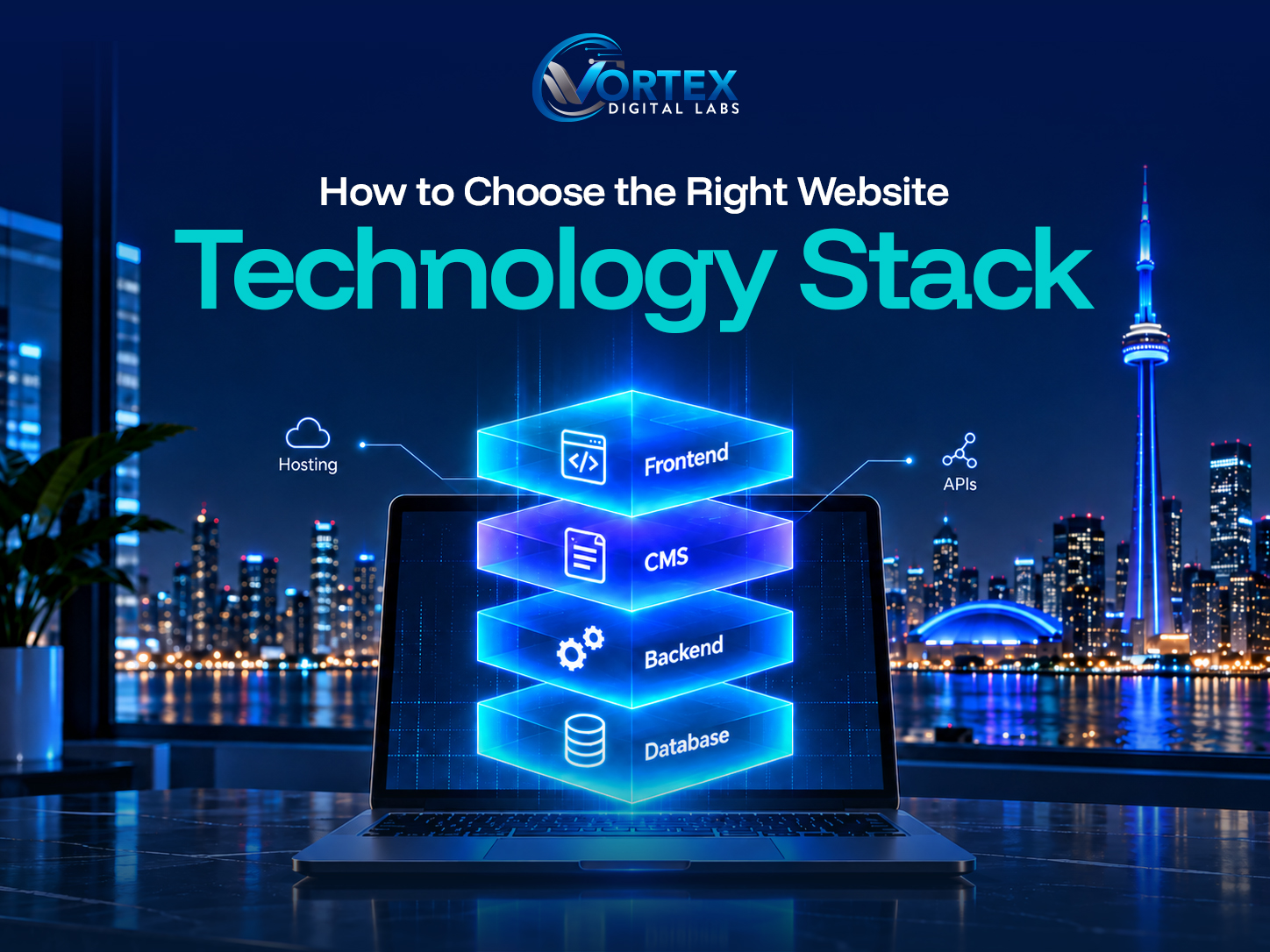
When your website must connect closely with your CRM, inventory or accounting, look at how each piece fits together, not just the website. Our insights on choosing a website technology stack explain how the parts connect.
Business Planning Significant Future Growth
If you expect big jumps in traffic, products, or features, choose a platform that will not force an early rebuild. That often points to WordPress built carefully, a headless setup, or custom development. When the best website platform for business needs to last five years, plan for year five, not just launch day.
Business requirement |
Suitable approach |
Why |
Limitation |
|---|---|---|---|
|
Simple service site, small team |
Website builder or WordPress |
Quick to launch, easy to edit |
Limited growth on builders |
|
Lots of articles and pages |
WordPress or headless CMS |
Strong content tools |
Needs maintenance or developers |
|
Selling products online |
Shopify or WooCommerce |
Built for commerce |
Apps or extensions add cost |
|
Many system integrations |
WordPress, headless or custom |
Flexible connections |
More technical work |
|
Big growth plans |
Headless or custom |
Built to scale |
Higher upfront cost |
Website Platform Decision Checklist
Use this checklist before you commit. If you cannot answer a question yet, that is a sign to pause and find out.
Business requirements
- What is the main job of the website: leads, sales, bookings, or information?
- Who will update it, and how comfortable are they with technology?
- What features must it have on day one?
Technical requirements
- Which tools must it connect to?
- Can we edit titles, URLs, redirects, and structured data?
- Can we fix accessibility issues if a template has them?
Budget and ownership
- What is the full yearly cost, including apps, hosting and fees?
- Who owns the code, the content, and the customer data?
- Is everything in the contract clear about ownership?
Future growth
- Will this platform still fit if traffic, products or features double?
- What would we need that it cannot do today?
Exit plan
- What can we export if we leave?
- How hard would it be to move our pages, products, and search rankings? Our website migration SEO checklist explains what a careful move involves.
Frequently Asked Questions
No. Google has said its systems do not treat any CMS differently. Rankings depend on content quality, technical setup, speed, and user experience, which you can achieve on many platforms.
Yes, but it takes planning. Some platforms export only part of your site, and changing URLs without redirects can cost you search traffic. It is cheaper to choose well at the start than to move later.
Often, yes. For a simple service site with a small team, a builder can be a smart, low-maintenance choice. It becomes limiting when you need custom features, deeper integrations, or more control over code and data.
It depends on the platform. Some, like Shopify, show Canadian pricing to Canadian visitors. Others list prices in US dollars, which means your real cost moves with the exchange rate. Check the currency before you compare plans.
Not always. Hosted builders are designed for owners to run themselves. Self-hosted, headless, and custom sites usually need a developer or agency for updates, security, and new features.
Not Sure Which Platform Fits Your Business?
Choosing a platform is easier when someone looks at your actual goals, content, integrations and growth plans. The team at Vortex Digital Labs offers a free consultation to help businesses compare their options and pick a platform they will not outgrow in a year.

Vortex Digital Labs
Vortex Digital Labs is a full-service digital agency specializing in web design, development, and digital marketing — helping businesses grow online.